
Sherlock APP: AI Face Search For Android
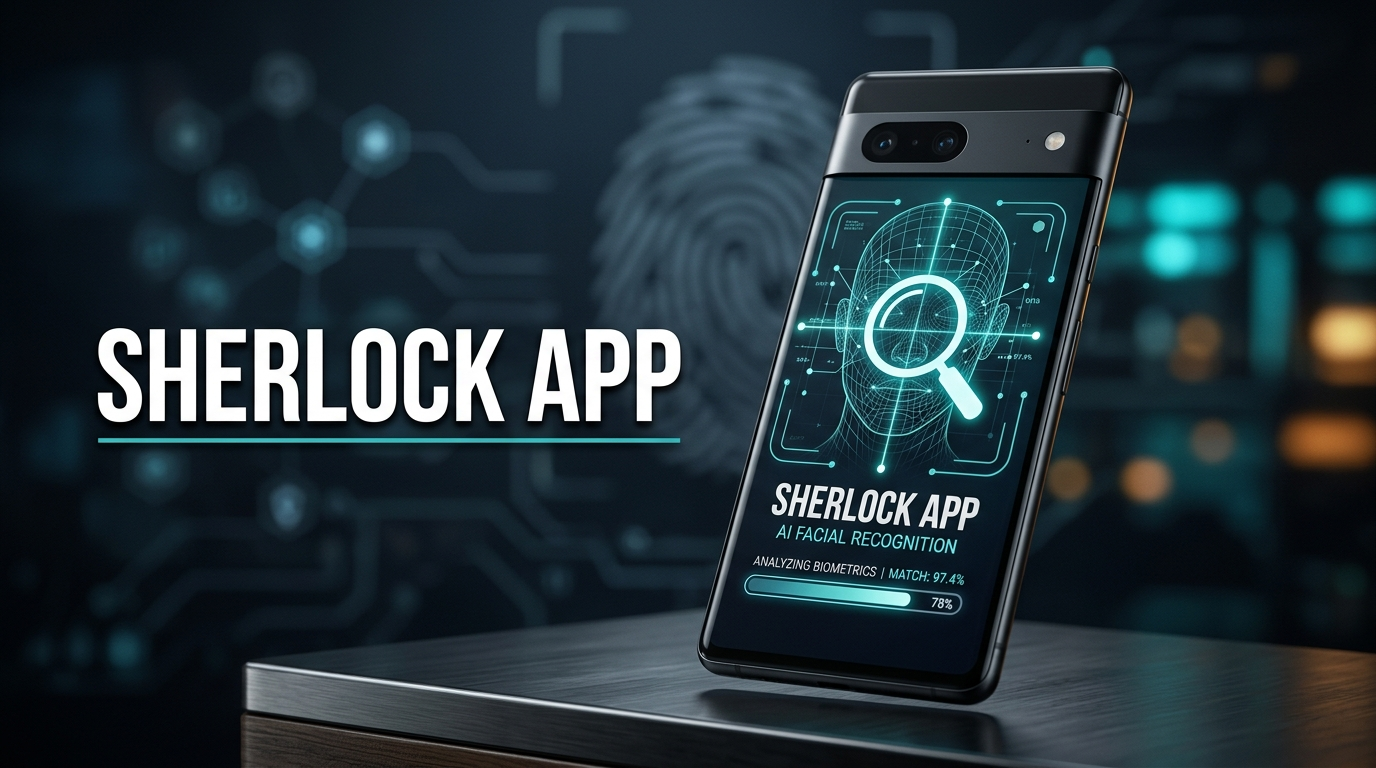
Most apps that promise to find someone by their face are either useless or want $50 before you’ve even tried them. Sherlock APK actually works — sometimes. After two weeks running it on three phones, our team’s got a pretty clear read on what this thing does, where it falls apart, and whether the $9.99 monthly ask is worth it. Spoiler: it depends entirely on who you’re searching for.
What Is Sherlock APK?
Sherlock (full name: Sherlock: AI Face Search) is a mobile face lookup tool. You hand it a photo of someone’s face, and it goes hunting across the public web for matches — social profiles, blog mentions, news articles, anywhere that face has shown up.
The whole point is identity verification on the fly. People reach for it when a dating app match seems suspicious. When a stranger requests to follow you and the profile photo feels off. When you want to check if the person on the other end of a conversation is actually who they claim to be.
We grabbed version 1.1.1 to run our tests. The APK lands around 72 MB and runs on most Android builds from the last few years. Not built for free-tier diehards, though — the paywall hits early and often.
Key Features
Face Matching That Handles Bad Angles
The actual standout. Plenty of reverse image tools fall apart the moment a face isn’t perfectly centered and well-lit. Sherlock reads facial geometry rather than matching pixels, so it can take a profile shot, a partly obscured face, even someone wearing sunglasses, and still pull useful results. Source quality still matters — blurry or heavily filtered photos return weaker matches — but the angle tolerance is real.
A Claimed Billion-Face Index
The app advertises over one billion indexed faces pulled from public web sources. No way to verify that number from outside, but the scope clearly aims wider than tools that only crawl one or two sites. Uploading works through the gallery, the camera, or share-sheet from any other app, and results land as a ranked list with similarity scores. Tap any result to jump to the source page.
The Credit System (Where It Gets Annoying)
Here’s the part that’ll decide whether you actually keep this installed. Searches don’t run unlimited — each query burns credits, and credits come from subscription plans or one-off purchases.
Breakdown of what you get:
- Free tier: roughly 3-5 searches per month at standard quality
- Monthly premium: about $9.99 for unlimited searches and HD results
- Yearly premium: around $49.99 — the obvious value pick for ongoing use
Unused credits can expire, which is kind of rough. The yearly plan makes sense for anyone with real recurring need. Monthly feels expensive for occasional curiosity.
Privacy Claims You Can’t Independently Verify
The developer states uploaded photos are deleted from servers within 24 hours and that biometric data isn’t retained long-term. There’s no way to audit that from outside the app — it’s a stated policy, not a verified guarantee. Honestly, this is the kind of thing where you either trust the developer or pick a different tool. Anyone privacy-conscious about biometric data should weigh that before uploading anything.
Cloud-Dependent Only
Sherlock won’t function offline. Face matching runs against cloud databases, so no signal means no searching.
Pros and Cons
Where it delivers:
- Fast. Most searches returned results in under 15 seconds on our Pixel 7
- Angle tolerance actually works. We threw a 3/4 profile shot at it and got a legit match
- Clean layout, no menu maze to dig through
- Runs fine on older phones without choking
Where it stumbles:
- Free tier is basically a trial — 3-5 searches and you’re capped
- False matches show up, especially for people with smaller online footprints
- $9.99/month is steep for occasional use
- No web version means you’re locked to phone-only searching
- Subscription prompts pop up constantly between searches
Sherlock vs. The Alternatives
PimEyes is the obvious comparison — web-based, more expensive (around $14.99/month and up), with deeper coverage and desktop access. For serious investigative work, PimEyes wins. Sherlock APK is the better pick for casual mobile use and quick lookups on the go.
FaceCheck.ID is another option, also web-based, with a clunkier mobile setup. Sherlock beats it on phone usability and search speed but loses on transparency around where its data actually comes from.
If you just need to spot-check whether a dating match’s photo is real, Sherlock’s enough. For OSINT work or repeated professional research, look elsewhere.
Bottom Line
After two weeks with Sherlock APK on three different phones, our take is split. Worth installing if you’re vetting dating matches, spot-checking suspicious profiles, or doing light identity research where the target probably has an online footprint. Skip it if you want a free unlimited tool or expect it to surface people with low digital presence. The yearly plan is the only one that makes real economic sense — monthly will leave you feeling fleeced. For one-off curiosity, those free credits will run out before you’ve really tested anything.