
Meld APK | The Spotify-YouTube Music Hybrid That Actually Works
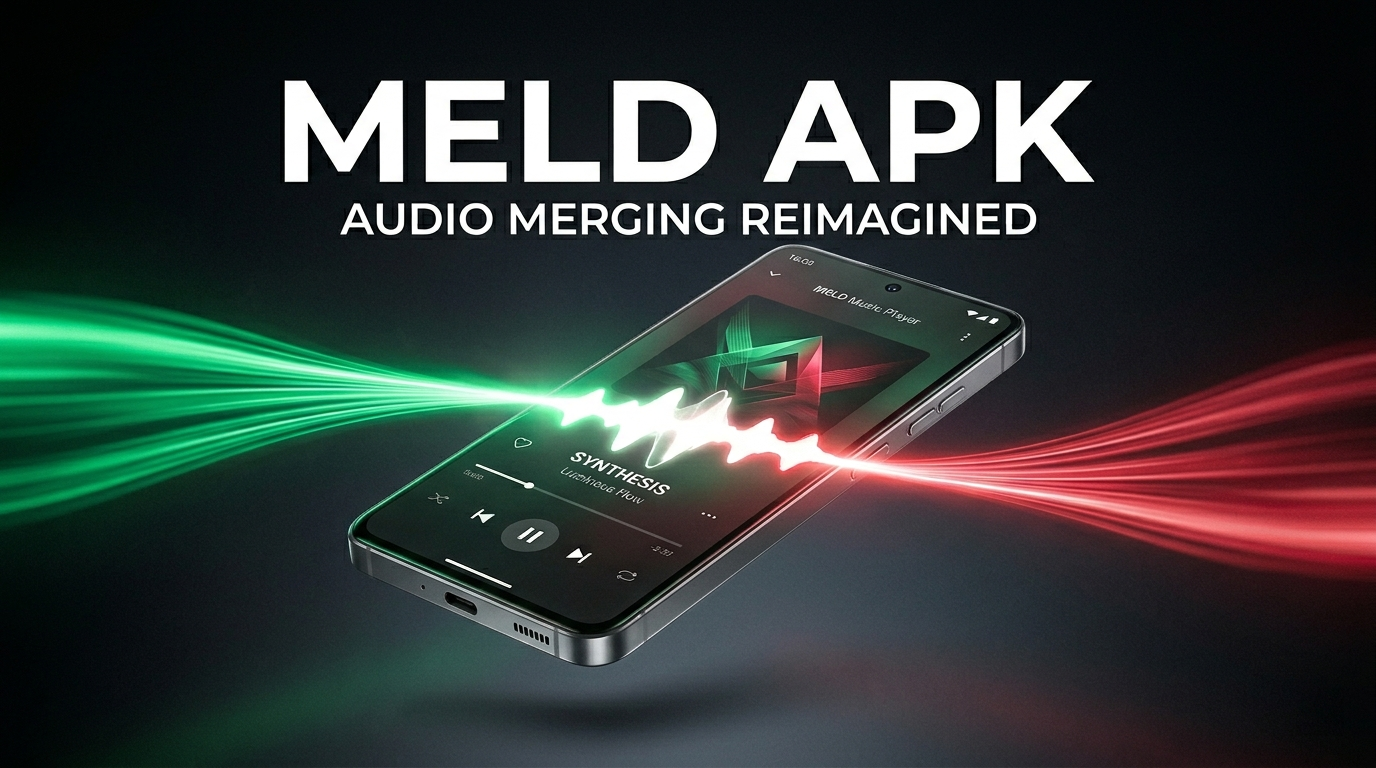
The pitch sounds too good to be true — your Spotify recommendations and library, but playing through YouTube Music’s catalog, completely free. Meld APK actually pulls this off. We’ve had version 0.7.1 running across three Android phones for two weeks, and the result is more interesting than we expected. Worth your install? Depends. Here’s what we found.
What Is Meld?
Meld is an open-source Android music client built by developer FrancescoGrazioso. It’s hosted on GitHub, distributed only as a sideloaded APK (no Play Store version), and licensed under GPL-3.0. The core idea: log into your Spotify account to grab your taste profile — top tracks, artists, playlists, recommendations — then stream the actual audio through YouTube Music’s infrastructure.
Why does that matter? Because Spotify charges for offline playback and ad-free listening, while YouTube Music’s catalog runs deeper with live cuts, remixes, and obscure tracks Spotify doesn’t host. Meld pulls from both without asking for a subscription.
It’s a fork of the Metrolist project, currently at version 0.7.1 (released May 3, 2026), and runs on Android phones that allow installs from outside the Play Store.
If you don’t already use Spotify, this isn’t the right app for you.
Features
Spotify login without a developer setup
Most Spotify-powered third-party apps want you fiddling with a Client ID through Spotify’s developer dashboard. Meld skips all of that. You sign in through a built-in WebView with your normal credentials — email, Google, Apple, or Facebook all work — and the app handles session tokens internally using TOTP. A free Spotify login is enough because Meld only reads data from Spotify, never streams audio from it.
The custom recommendation engine
This is the headline trick. Meld pulls your top tracks and artists across three time ranges, looks at genre overlap, factors in listening history, then builds radio-style queues weighted across artist affinity (30%), genre overlap (20%), source relevance (25%), recency (15%), and popularity similarity (10%). The queue gets diversified so it won’t stack the same artist more than three times in a row. Whether it beats Spotify’s own algorithm is debatable, but it’s clearly not random.
Spotify-to-YouTube matching, with manual override
Every song gets fuzzy-matched between Spotify metadata and YouTube Music’s library based on title, artist, and duration. Matched tracks cache locally and load instantly the next time.
When the match is wrong — live versions getting picked over studio cuts is the most common failure — you hit the three-dot menu on the Now Playing screen, tap “Change YouTube version,” and paste the correct link. The override saves permanently.
Core music stuff
Offline downloads, background playback, sleep timer — all standard, all working. You also get adjustable tempo and pitch, skip-silence detection, audio normalization, and live lyrics pulled from multiple sources (Better Lyrics, SimpMusic, KuGou, LRClib). Themes include light, dark, pure black, and Material You dynamic colors. There’s a home-screen widget with playback controls, a “Listen Together” mode for syncing playback with friends, and Discord Rich Presence if you want your status to show what’s playing.
For power users
Android Auto works, though you’ll need to manually flip on Unknown Sources inside Android Auto’s developer settings before Meld shows up. Last.fm scrobbling is supported. You can import playlists, sync a YouTube Music account separately, and rearrange queues by drag. A built-in Shazam-style recognizer can identify songs playing around you.
No Apple Music integration, no SoundCloud, no internet radio. The focus stays on the Spotify-YouTube bridge.
The Pros and Cons
What works:
- Spotify recommendations plus YouTube’s deeper catalog is a real combination
- No Spotify Premium required
- Open-source code you can actually inspect
- Manual match correction is reliable
- Material 3 layout looks clean
What doesn’t:
- First-play delay is unavoidable
- Android only — no iOS
- Sideloading from GitHub isn’t for everyone
- Falls apart if you don’t already use Spotify
- Some YouTube tracks need a Google login to bypass age restrictions
Installing Without Getting Burned
Grab the APK from the GitHub releases page — search “FrancescoGrazioso Meld” and skip the sketchy mirror sites pushing “modded” versions. Download Meld.apk from the latest release. On your phone, go to Settings → Apps → Special access → Install unknown apps, allow your browser to install APKs, then open the file. Disable battery optimization for Meld right after install. Skip that step and you’ll think the app is broken when it isn’t.
Verdict
After 14 days across three devices, Meld is staying installed on all of them. The first-play lag is real, sideloading isn’t everyone’s thing, and the whole setup is useless if you’re not on Spotify already. But for getting your Spotify profile to drive a free YouTube Music listening setup, honestly nothing else does it this cleanly. Worth installing if you fit that one specific case.